
THE BRIEF
Provide a dedicated delivery kiosk that guides drivers through bulk flour collection, from arrival and empty-vehicle weighing to order selection and completed delivery paperwork. The process needed to work with live MillInsight orders, support optional QR scanning and weighbridge equipment, and give operators practical ways to correct records and reprint documents.
Introduction
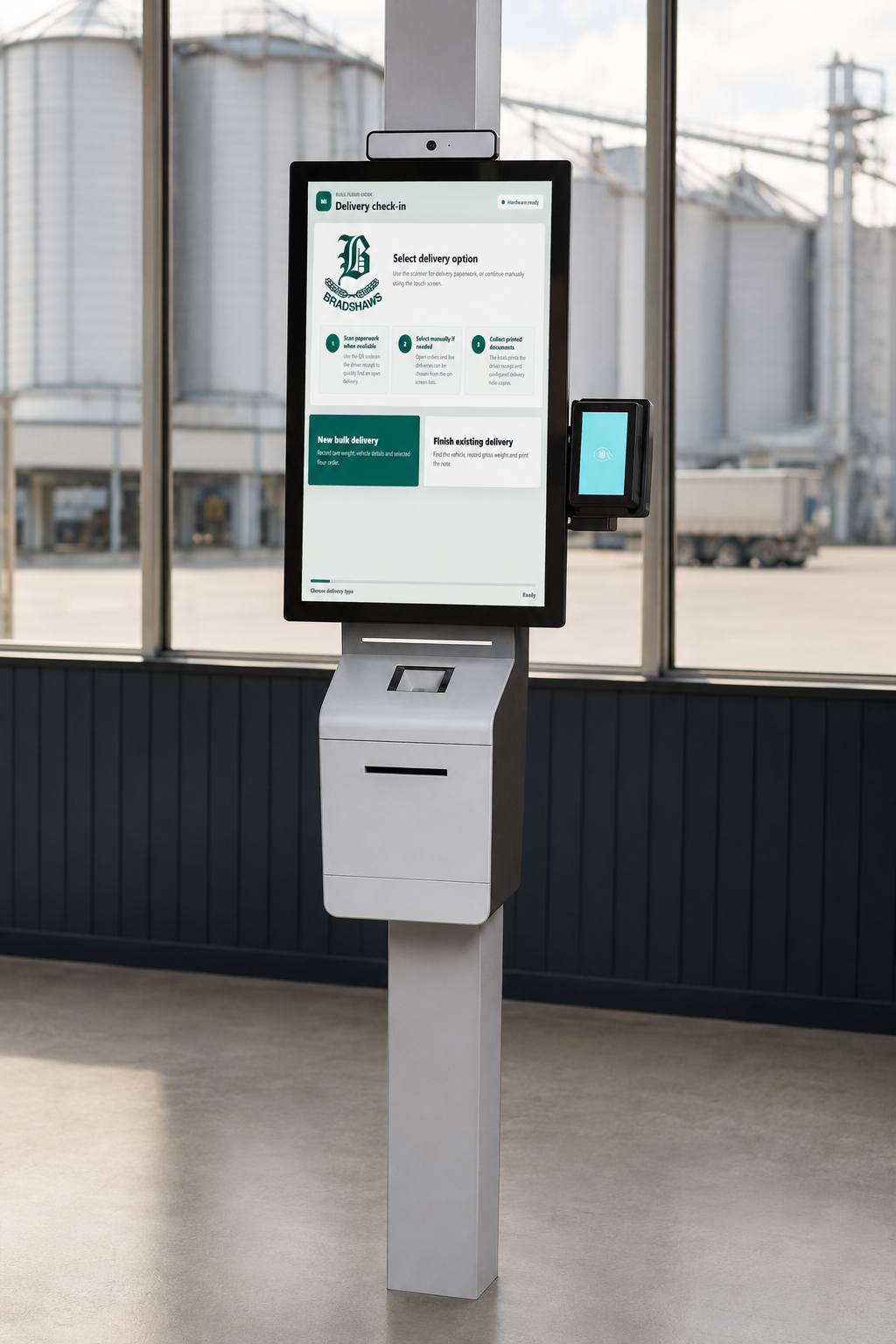
The MillInsight Delivery Kiosk brings the bulk flour collection process onto a dedicated portrait touch screen. Drivers follow two clear routes: start a new bulk delivery, or finish an existing delivery after loading.
Axisware designed the application around the collection workflow, connecting the driver-facing screen to live orders, delivery records, printing and configurable invoicing. It provides a focused interface for the yard while keeping the transaction connected to the wider business system.
Solution
The kiosk provides a focused interface for bulk flour collections, with large touch targets and a portrait layout designed for a 22-inch screen.
Driver check-in and live order selection
A driver starts with New bulk delivery, enters or scans the vehicle registration, then selects the transport company before choosing the vehicle. The process records the tank number and tare weight, and presents open bulk order lines for selection. Confirming the details creates an open delivery and prints a driver check-in label.
QR lookup and delivery completion
After loading, the driver selects Finish existing delivery. A QR code on the check-in label retrieves the delivery when a scanner is fitted. Alternatively, the driver can select the record from the open deliveries list. Gross weight is captured or entered, checked against tare weight, and used to calculate the collected tonnes.
Weighbridge integration and practical fallbacks
The application supports a configured weighbridge feed alongside manual weight entry when the equipment is disabled or a fresh reading is unavailable. QR scanning is optional too: a scannerless installation uses on-screen selection. Hardware choices can therefore reflect the actual site setup.
Receipts, delivery notes and invoicing
The check-in label identifies the open delivery; the completed receipt records the collected tonnes. Completion also prints the configured delivery-note copies. Automatic invoicing can be enabled where the customer rules allow it. Where final customer weight is required, the delivery waits for that weight instead of creating an invoice immediately.
Operator corrections and reprints
The operator administration area provides recent-delivery searches, date filters, corrections to vehicle and weight details, and reprints. Delivery notes are available for completed deliveries with an associated note. Hardware status helps operators review printer and weighbridge issues.
Technology and deployment
Built using Microsoft .NET and Blazor, the application shares its touch-screen components across web-hosted and Windows desktop kiosk hosts. Printer and weighbridge services connect the interface to the configured site equipment.
Benefits
The design connects activities that otherwise involve separate screens, handwritten information or repeated entry.
- A clear driver journey: separate check-in and completion routes make the next step visible.
- Connected order fulfilment: the selected order stays linked to the bulk delivery and its documents.
- Recorded collection weights: tare and gross values support a consistent net-tonnage calculation.
- Less repeated data entry: vehicle, order and delivery information carries through the workflow.
- Flexible hardware: optional scanning and manual selection support different installations.
- Documents at completion: driver receipts and delivery notes are produced from the delivery record.
- Business rules respected: configurable invoicing accommodates customers who supply a final weight.
- Practical recovery: operators can find recent records, correct details and reprint paperwork.
The kiosk uses live MillInsight data, so the experience extends beyond the touch screen into the operational records used by office staff.
Conclusion
The MillInsight Delivery Kiosk demonstrates how a focused touch-screen application can connect physical site activity with an established business system. Driver check-in, weight capture, order selection and printed documents become stages of one collection process.
It forms part of Axisware’s bespoke ERP solution for a flour mill. The same development approach can be applied to other operational workflows where people, equipment and business records need to work together.
Explore our bespoke software development services or talk to Axisware about a kiosk for your operation.
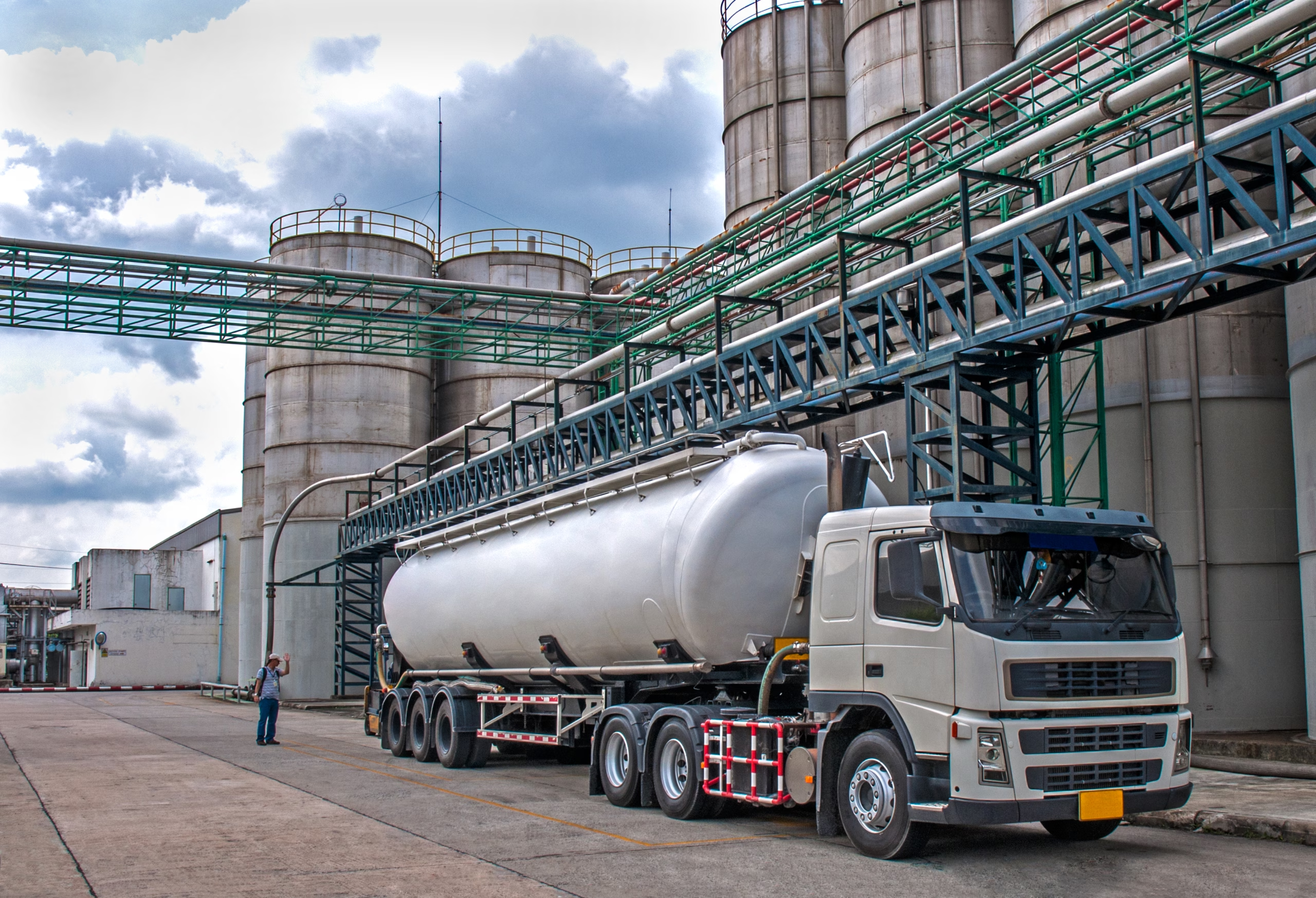
The banner photograph illustrates an industrial tanker setting; it is not a photograph of the MillInsight kiosk installation.
Project Details
Categories:



Passionate – Dedicated – Professional
Ready To Improve How Your Business Runs?
If you’re looking for software that fits your business and supports your growth, we’re here to help.
Call us for inquiry : Monday to Friday : 9 am – 5 pm
01723 384521