
A spreadsheet often begins as the quickest sensible answer to a business problem. Someone needs a list, a total or a shared view, and a blank workbook is ready before a new system could even be discussed. The first version may save time. Trouble starts when that helpful file quietly becomes part of the way several people run the organisation.
The hidden workload created by spreadsheets rarely sits in one difficult formula. It appears around the workbook: copying information from email, checking which version is current, asking a colleague what a colour means, chasing an incomplete row and creating another summary for somebody who cannot use the original. Each step can feel small, but together they can consume attention every week.
Operations and finance leaders do not need to ban spreadsheets. They need to recognise when a flexible tool has become an informal business system, then decide which repeated hand-off is worth improving first. That creates a practical route towards shared workflow without demanding a disruptive replacement programme.
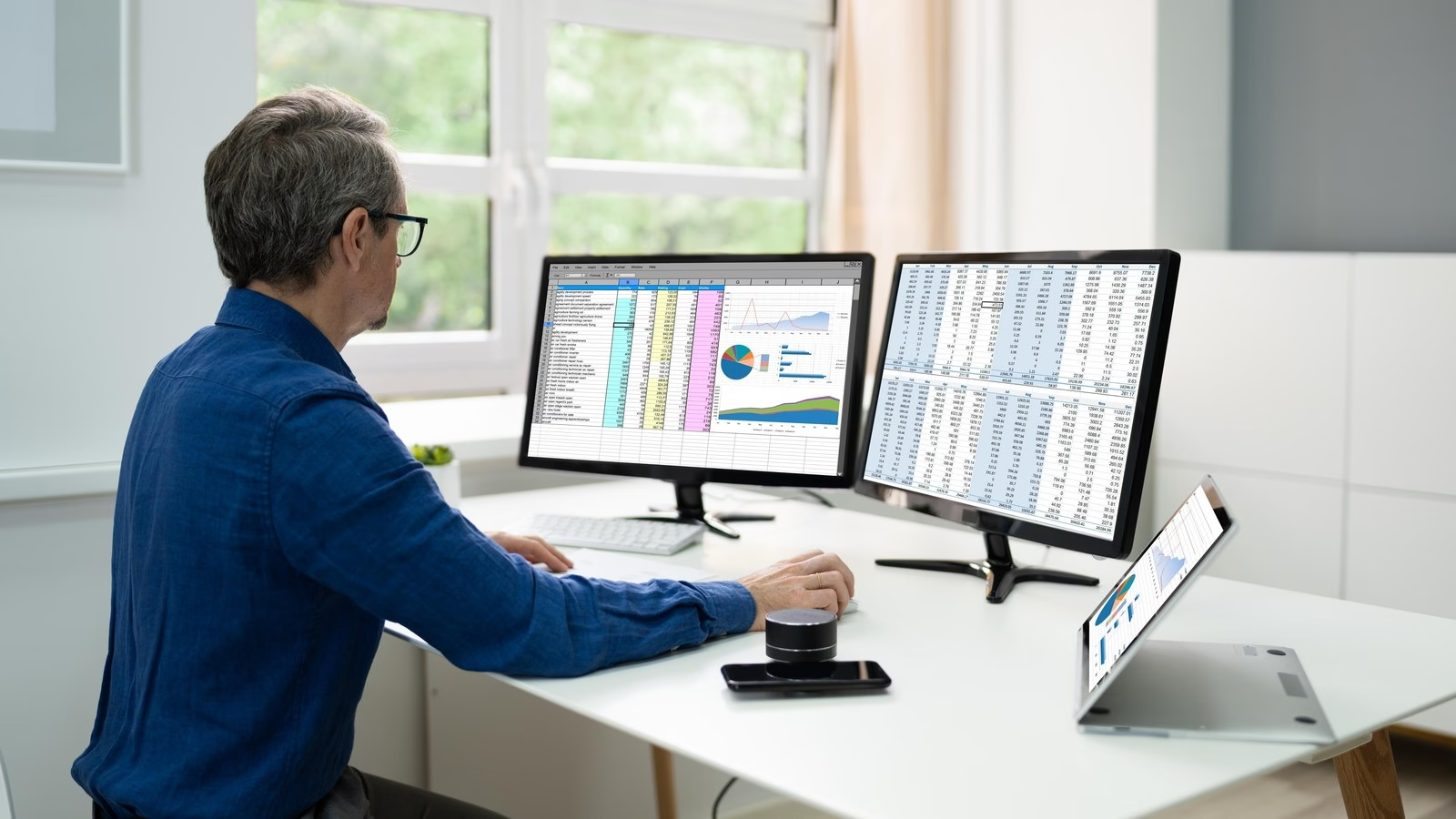
A spreadsheet can become a hidden system
A workbook becomes a hidden system when people depend on it to coordinate work, not simply to calculate or explore information. It may hold customer requests, purchasing decisions, production dates, staff actions, cash expectations or exceptions that somebody must resolve. The file now influences what happens next, even though it may not show who owns that next step.
Because spreadsheets are familiar, the change can be almost invisible. One person adds a status column. Another introduces colours. A third creates a second tab for a different team. Soon there are rules that live in people’s memories: do not edit the grey cells, copy completed items on Friday, ask finance before changing the total and use the version in a particular folder rather than the one attached to the email.
Those local rules are business logic, even if nobody calls them that. When they are not explicit, the organisation relies on experienced people to interpret the workbook correctly. Absence, growth or a change of role can expose how much knowledge sat outside the file. The spreadsheet still opens, but the process around it becomes uncertain.
The workload lives around the cells
A neat spreadsheet can hide a messy journey. Before a row appears, somebody may have copied details from a form, message or older system. After the row changes, another person may retype the same information into accounts, a customer record or a management report. The workbook shows the middle of the work, not the time spent moving information into and out of it.
Version checking adds another layer. Shared storage helps, but it does not automatically explain whether two people can safely update the same item, which changes require approval or how an exception should be handled. Teams often compensate with messages and meetings. The spreadsheet is described as the source of truth, while the explanation of that truth is scattered through conversations.
Reporting can create more work again. If managers need a different view, somebody filters, copies or reshapes the data. If a formula breaks or a label changes, the same correction may be needed in several files. This is why the cost is easy to underestimate: it is distributed across many short actions rather than recorded as one obvious task.
Warning signs that one more spreadsheet is too many
No single sign proves that a bespoke application is required. Taken together, however, these patterns show that the workflow deserves attention:
- the same information is entered in more than one workbook or system;
- staff ask which file, tab, colour or date is the current one;
- important actions depend on somebody noticing a changed cell;
- ownership is implied by initials, comments or a separate message;
- exceptions are kept in personal notes because the main sheet has no suitable place for them;
- a manager needs a manual summary before they can make a routine decision;
- people avoid editing the file because one mistake could affect everybody; and
- the process slows when the person who designed the workbook is unavailable.
The useful question is not whether the workbook looks complicated. A simple sheet can support a complicated process, while a large analytical model may be entirely appropriate for one skilled user. Focus on the movement of work: who receives information, who decides, who acts and how the next person knows they can continue.
Follow one hand-off from start to finish
Choose one recurring item that crosses a team boundary. It might be a purchase request moving from operations to finance, a customer change reaching delivery, or an exception that needs management approval. Follow a recent example using the records already available, and include the people who actually completed the steps.
Start with the trigger. What arrived, in which format and to whom? Then record every place where information was copied, interpreted, checked or reformatted. Note each wait for clarification and each point where the next owner was not obvious. The aim is not to blame the spreadsheet or the person who built it. It is to make the surrounding workload visible.
Pay particular attention to decisions. A cell may say approved, but what evidence did the approver need? A row may say complete, but what made it complete? If the rule changes for unusual cases, where is that exception recorded? These questions reveal what a better workflow must preserve, rather than merely reproducing columns on a new screen.
Axisware’s workflow automation approach starts with the people, information and decisions involved in real work. Mapping one hand-off gives that discussion a useful boundary and keeps the first improvement proportionate.
Design shared workflow around decisions
A better system should make the next useful action clearer. That usually means a record with an owner, a meaningful status, the information needed for the decision and a visible route for exceptions. It does not mean turning every judgement into an automatic rule or filling the screen with fields that nobody uses.
Where information already exists, the application may be able to connect it instead of asking somebody to type it again. A well-designed application can help reduce duplicate entry and unnecessary hand-offs. The cautious wording matters: software cannot remove work simply by existing. The workflow, responsibilities and integrations must be designed around the organisation’s actual practice.
Notifications should be equally selective. Replacing a coloured cell with a stream of emails only moves the burden. A useful prompt tells the right person what needs attention and links them to enough context to act. Managers may need an exception view rather than another complete export, while finance may need controlled totals and an audit trail rather than a copied summary.
The Axisware bespoke software service is designed around this kind of fit. The objective is not to make every organisation work in the same way. It is to shape the application around the decisions and information that matter, while keeping the scope understandable.
Replace the risky part in stages
A spreadsheet-heavy process does not have to be replaced in one large move. Often the safest first step is to leave a stable calculation in place and improve the hand-off around it. A simple shared request, clear approval route or controlled status view may remove repeated checking without disturbing the rest of the work.
Decide what must remain available during the change. That may include historic records, current totals, a familiar export or a temporary reconciliation check. Test the new route with realistic examples, including awkward cases, before widening its use. People should be able to see what changed, why it changed and where to raise a problem.
Axisware can help an organisation replace fragmented or overly manual processes with a system designed around its work. That might mean improving an existing application, connecting separate tools or building a focused workflow. The correct choice depends on the value and risk of the hand-off, not on a general dislike of spreadsheets.
Keep the first boundary clear. Name the users, the trigger, the expected outcome and the information that must move. A modest working improvement provides better evidence for the next decision than a broad specification based only on assumptions.
Measure the work that disappears
Do not measure success only by the number of spreadsheets retired. A workbook may remain useful for analysis even after it stops coordinating the process. Instead, compare the repeated work before and after the change. Count the transfers, checks, clarifications and summaries needed to move one item through the chosen hand-off.
Look for practical questions. Is information entered once and reused appropriately? Can the current owner see what they need? Can a colleague understand an exception without searching messages? Does a manager have a useful view without asking somebody to rebuild it? Can the team trace why a decision was made when that matters?
Include the people doing the work in the review. A technically complete route may still create awkward steps that push users back towards private lists. Watch where they pause, what they copy elsewhere and which notifications they ignore. Those observations help refine the system without inventing fictional percentage savings.
Start with one repeated hand-off
The hidden workload created by spreadsheets becomes easier to address when it is made specific. Choose one recurring hand-off, follow one real item and write down every copy, check, wait and decision. That short exercise can show whether the problem is a missing connection, unclear responsibility, unsuitable software or a process that needs to be simplified first.
You may discover that a small change to the existing workbook is enough. You may find that a shared application would provide better ownership, validation and visibility. Either outcome is useful because the decision is based on the work rather than on assumptions about a particular tool.
If you would like to map one troublesome hand-off with a software partner, contact the Axisware team. We can help you understand the people, decisions and information involved, then discuss a proportionate first improvement.